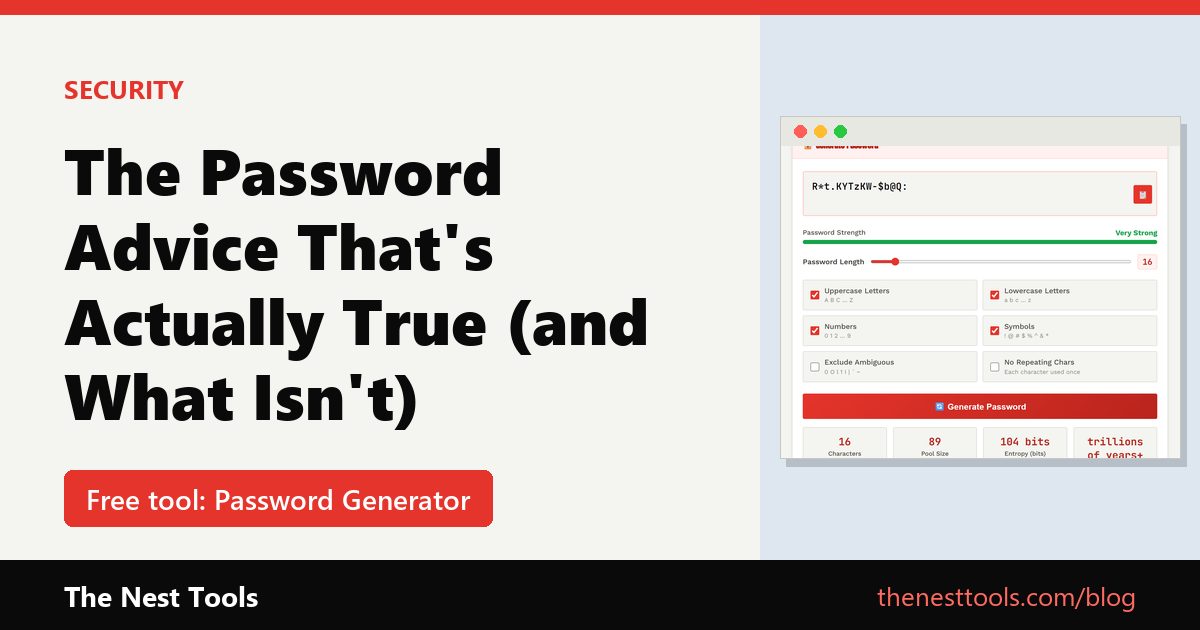
The password advice that’s actually true (and the advice that isn’t)
For years, the standard guidance was: mix uppercase, lowercase, numbers, and symbols, and change your password every 90 days. Most of that turned out to be weak advice. Forced regular changes lead people to make tiny, predictable tweaks (Password1 becomes Password2), and complexity rules without length don’t actually slow down modern cracking tools much.
What genuinely matters, in order of importance:
- Length. A 16-character password is exponentially harder to brute-force than a 10-character one, even with simpler character rules.
- Uniqueness. A different password for every account. Reused passwords are the number one cause of account takeovers — one breached site can expose accounts everywhere else you used the same password.
- Randomness. A password a computer generates is far harder to guess than one a human invents, because humans default to patterns.
What “entropy” actually means
You’ll sometimes see a password’s strength described in bits of entropy. In plain terms: it’s a measure of how many guesses an attacker would need before finding your exact password by brute force. As a rough guide, 60+ bits is solid for everyday accounts, 80+ bits is excellent, and anything past 100 bits is more than any realistic attack needs. Length and character variety both push this number up, but length pushes it up faster.
Generate one properly, in seconds
Our free Password Generator creates passwords entirely in your browser using the Web Crypto API — the same cryptographically secure randomness standard used in banking and security software. Nothing is sent to a server, nothing is logged, and the password is gone the moment you close or refresh the page.
A few options worth knowing about:
- Exclude ambiguous characters — turns off easily-confused characters like 0/O and l/1/I, useful if you’ll ever need to type the password manually.
- No repeating characters — guarantees every character is unique, which some legacy systems still require.
- Bulk generate — up to 100 at once, handy for developers seeding test accounts or IT admins provisioning new users.
The part most people skip: remembering them
A truly random 20-character password is exactly what you want — and exactly what you can’t memorize. That’s fine for accounts you rarely log into manually (your browser or a password manager fills it in), but for the handful of passwords you genuinely need to type from memory, our generator also has a Password From Your Text mode: type a phrase only you would think of, and it transforms it into a strong, unique password using one of five styles — leet speak, initials, CamelCase, and more — so it stays memorable to you without following an obvious, guessable pattern.
The short version
Long beats complex. Unique beats memorable. And random beats anything a person comes up with on the spot. Generate what you actually need for each account with the free Password Generator — no signup, nothing stored, nothing to install.
Frequently Asked Questions
How long should a password be?
Longer is better. NIST’s current guidelines (SP 800-63B) require at least 15 characters for passwords used on their own, and at least 8 when they’re combined with another sign-in factor. A random 16 characters or more is a good everyday target.
Should I change my passwords every 90 days?
Not on a schedule. NIST advises against forced periodic changes because they lead to predictable tweaks. Change a password when there’s evidence or suspicion it has been compromised.
Are password complexity rules still recommended?
No. NIST now advises against mandatory mixes of uppercase, numbers and symbols. Length, uniqueness and randomness matter far more.
[…] The Password Advice That’s Actually True (and What Isn’t) […]